

How To Maintain And Clean Your Medical Equipment For Longevity
Medical Equipment Maintenance 2025
Medical Equipment Maintenance 2025 is essential for ensuring the longevity, safety, and performance of your medical devices. In this guide, you’ll learn practical cleaning and care tips to protect your investment. Medical equipment represents a significant investment for any healthcare facility. The difference between equipment that serves your patients reliably for years versus costly breakdowns often comes down to one factor: proper maintenance and cleaning practices.
Regular maintenance extends equipment lifespan, ensures accurate readings, prevents costly repairs, and most importantly, protects patient safety. This comprehensive guide provides healthcare professionals and hospital administrators with proven strategies for maintaining medical equipment effectively. You’ll learn how to create maintenance schedules, implement proper cleaning procedures, store equipment correctly, and troubleshoot common issues before they become expensive problems.
Creating a Maintenance Schedule That Works
Effective medical device care begins with a structured approach to maintenance. Different equipment types require varying levels of attention, making a well-organized schedule essential for busy healthcare environments.
You can also refer to NIH equipment management recommendations
Risk-Based Maintenance Planning
Start by categorizing your equipment based on criticality and usage frequency. Life-support devices like ventilators and defibrillators require daily checks and weekly deep maintenance. Diagnostic equipment such as blood pressure monitors and thermometers needs weekly cleaning with monthly calibration checks. Less critical items like wheelchairs and IV stands can follow monthly maintenance cycles.
Create separate schedules for daily, weekly, monthly, and annual maintenance tasks. Daily tasks should include visual inspections, basic cleaning, and functionality checks. Weekly maintenance involves more thorough cleaning and minor adjustments. Monthly schedules should include calibration checks, deeper component cleaning, and wear assessments. Annual maintenance typically requires professional servicing and major calibration updates.
Documentation and Tracking
Maintain detailed records for every piece of equipment. Include purchase dates, warranty information, service history, and maintenance logs. Digital tracking systems can send automatic reminders for scheduled maintenance and help identify patterns in equipment issues.
Assign specific team members responsibility for different equipment categories. This ensures accountability and develops expertise within your staff. Consider rotating responsibilities periodically to prevent knowledge gaps when staff members are absent.
Equipment Cleaning Best Practices for Medical Devices
Proper cleaning techniques vary significantly depending on the type of medical equipment. Understanding these differences prevents damage while ensuring effective disinfection.
Learn more about OSHA’s cleaning standards for medical equipment
Essential Cleaning Supplies
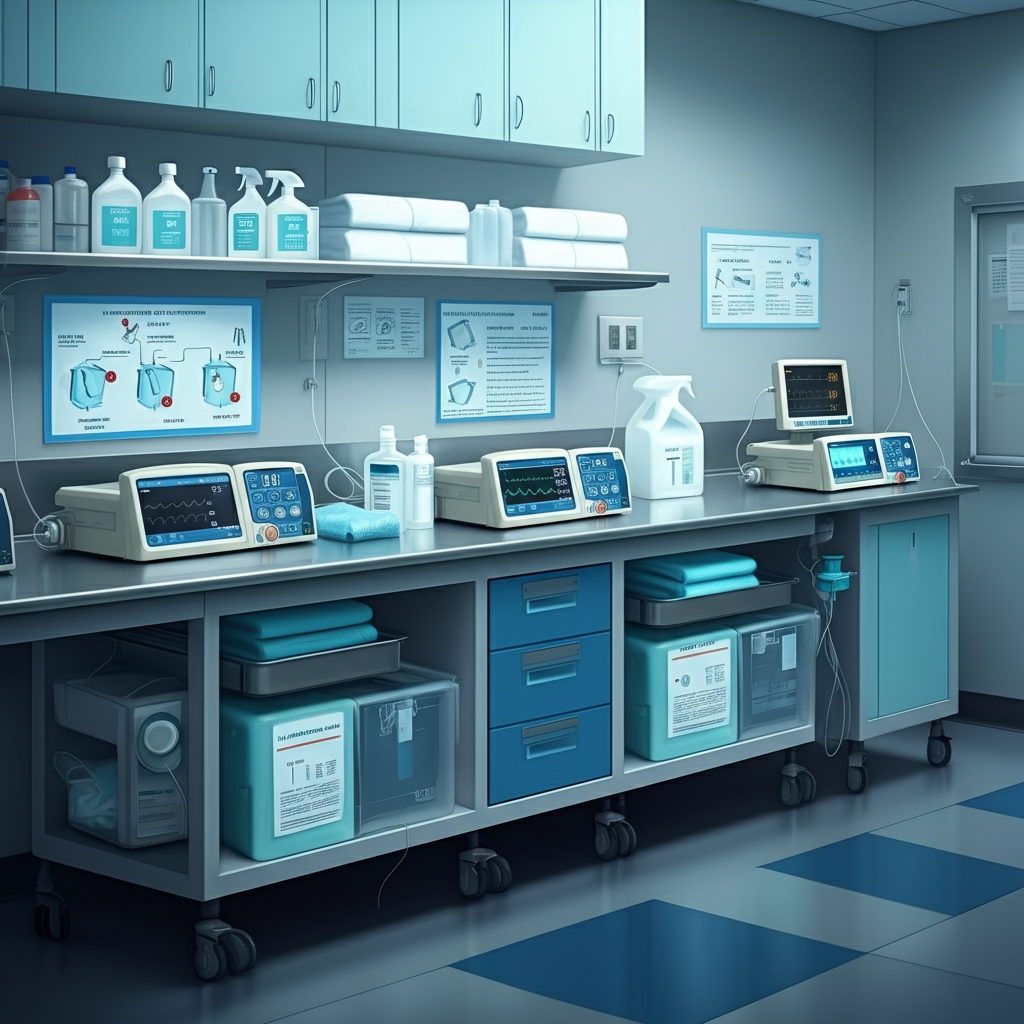
Stock your facility with appropriate cleaning materials. Isopropyl alcohol at 70% concentration effectively disinfects most surfaces without leaving residue. Mild, non-abrasive detergents work well for general cleaning tasks without damaging sensitive components.
For equipment exposed to bodily fluids, enzymatic cleaners break down organic matter effectively. Always use lint-free cloths to avoid leaving fibres on sensitive components. Medical-grade disinfectant wipes provide convenient cleaning between patient uses.
Important: Always consult your equipment’s user manual for approved cleaning solutions. Some devices require specific products to maintain warranty coverage and prevent component damage.
Step-by-Step Cleaning Procedures
Before beginning any cleaning procedure, always disconnect equipment from power sources. This prevents electrical hazards and protects sensitive electronic components from moisture damage.
For external surfaces, start with a dry lint-free cloth to remove dust and loose debris. Apply your chosen cleaning solution to the cloth rather than directly onto the equipment. Work from cleanest to dirtiest areas, using gentle circular motions. Pay special attention to frequently touched surfaces like handles, buttons, and displays.
Clean display screens with particular care. Use only recommended screen cleaners and soft cloths. Avoid pressing firmly on LCD or LED displays, as this can cause permanent damage. For touch screens, follow the manufacturer’s guidelines for approved cleaning solutions.
Explore our Durable Medical Equipment catalogue for items requiring high-priority maintenance in 2025.
Specialized Cleaning for Different Equipment Types
Diagnostic equipment like stethoscopes and blood pressure cuffs requires disinfection between each patient use. Wipe all surfaces that contact patients with approved disinfectant wipes. Allow proper drying time as specified by the disinfectant manufacturer.
For equipment with removable parts, disassemble according to manufacturer’s instructions. Clean each component separately, ensuring thorough drying before reassembly. This approach prevents moisture from becoming trapped in joints or connections.
Mobility equipment, such as wheelchairs and walkers, needs attention to moving parts. Clean and lubricate wheels, joints, and adjustment mechanisms regularly. Check for loose bolts or worn components during each cleaning session.
Proper Storage Techniques to Prevent Damage
How you store medical equipment between uses significantly impacts its longevity and performance. Environmental factors like temperature, humidity, and light exposure can degrade sensitive components over time.
Environmental Controls
Store equipment in climate-controlled environments whenever possible. Extreme temperatures can affect battery life, LCDs, and plastic components. Humidity control prevents corrosion of metal parts and mould growth in fabric components.
Avoid storing equipment in direct sunlight or near heating vents. UV radiation can degrade plastic housings and fade displays. Heat sources can cause thermal stress in electronic components.
Physical Protection
Use protective covers for equipment not in regular use. Dust accumulation can interfere with ventilation and contaminate sensitive areas. Custom-fitted covers provide better protection than generic options.
Store equipment in designated areas away from high-traffic zones. This reduces the risk of accidental damage from collisions or falls. Ensure storage areas have adequate ventilation to prevent moisture accumulation.
For portable equipment, use appropriate carrying cases during transport. These protect against impacts and environmental exposure while moving between departments or facilities.
Battery Maintenance During Storage
Many medical devices rely on rechargeable batteries for portable operation. Proper battery storage extends their useful life and ensures reliable performance when needed.
Store battery-powered equipment with batteries at approximately 50% charge. Fully charged or completely discharged batteries degrade faster during long-term storage. Check and cycle stored batteries monthly to maintain their capacity.
Remove batteries from equipment that won’t be used for extended periods. This prevents battery leakage from damaging internal components. Store batteries in cool, dry locations away from metal objects.
Troubleshooting Common Medical Equipment Issues
Quick identification and resolution of common problems minimizes downtime and prevents minor issues from becoming major repairs. Understanding basic troubleshooting saves time and money while maintaining patient care continuity.
Power-Related Problems
Power failures are among the most common equipment issues. Start by checking power cords for damage, ensuring secure connections at both the equipment and outlet ends. Test the outlet with another device to confirm power availability.
For battery-powered equipment, check battery levels and charging status. Clean battery contacts with a dry cloth if corrosion is visible. Replace batteries that no longer hold an adequate charge for normal operation.
Inspect power adapters for signs of damage like frayed cords or loose connections. These components often fail before the main equipment and are usually less expensive to replace.
Display and Interface Issues
Display problems can often be resolved through simple adjustments. Check brightness settings first, as displays may appear non-functional when set too low. Verify all connection cables are secure, particularly for external monitors.
For touch screen interfaces that respond poorly, clean the screen surface with approved cleaners. Accumulated residue can interfere with touch sensitivity. If problems persist, consider screen replacement rather than equipment replacement.
Menu navigation issues sometimes result from inadvertent setting changes. Consult the user manual for factory reset procedures if normal operation cannot be restored through standard menus.
Calibration and Accuracy Concerns
Calibration errors affect measurement accuracy and patient safety. Follow calibration procedures specified in the user manual, using properly calibrated reference standards. Most diagnostic equipment includes built-in calibration routines accessible through service menus.
Document all calibration activities, including dates, reference standards used, and results obtained. This information helps identify trends and supports regulatory compliance requirements.
If calibration procedures don’t resolve accuracy issues, seek professional recalibration services. Attempting repairs beyond your expertise level can void warranties and compromise patient safety.
Connectivity and Network Issues
Modern medical equipment increasingly relies on network connectivity for data sharing and remote monitoring. Connectivity problems can often be resolved through systematic troubleshooting.
Verify network settings match your facility’s configuration requirements. Check physical cable connections and inspect cables for damage. For wireless equipment, confirm signal strength and password authentication.
Update device drivers and firmware according to manufacturer’s recommendations. Outdated software can cause compatibility issues with network infrastructure updates.
Mechanical Component Problems
Moving parts require regular inspection and maintenance to prevent failures. Look for obstructions that might interfere with normal operation. Clean debris from ventilation fans, moving joints, and adjustment mechanisms.
Lubricate moving parts according to manufacturer’s specifications. Use only recommended lubricants, as incorrect products can attract dirt or damage seals. Over-lubrication can be as problematic as insufficient lubrication.
Replace worn components before they fail. Preventive replacement costs less than emergency repairs and reduces patient care disruptions.
Maximizing Equipment Investment Through Proper Care
Implementing comprehensive maintenance and cleaning protocols protects your healthcare facility’s significant equipment investments while ensuring optimal patient care. Regular attention to these details prevents costly breakdowns, extends equipment life, and maintains the accuracy critical for patient safety.
Success requires commitment from all team members, from daily cleaning routines to scheduled maintenance activities. Invest in proper training for staff members responsible for equipment care. This knowledge pays dividends through reduced repair costs and improved equipment reliability.
Consider partnering with qualified service technicians for complex maintenance tasks beyond your team’s expertise. Professional service contracts often provide cost-effective peace of mind while ensuring compliance with warranty requirements.
Start implementing these practices today with your most critical equipment, then expand the programme systematically across your facility. Your patients, staff, and budget will all benefit from equipment that performs reliably year after year.
Safety Reminder: Always follow your facility’s safety protocols during maintenance procedures. When in doubt, consult qualified technicians rather than attempting repairs that could compromise equipment safety or void warranties.